
You are using an out of date browser. It may not display this or other websites correctly.
You should upgrade or use an alternative browser.
You should upgrade or use an alternative browser.
test posting a picture
- Thread starter jeeplj
- Start date




Testing tapatalk picture posting. Having issue with small size (iPhone 4).
This one uploaded using the "tapatalk hosted" option.

This one using the "this forum" option this selecting the "insert unlined" option ( which is the only option)
This one uploaded using the "tapatalk hosted" option.
This one using the "this forum" option this selecting the "insert unlined" option ( which is the only option)
Attachments


The way Brooks posted does give better results but still limited. I ended up loading another app that uploads and resized pictures to my website and then I insert those. An extra step but it allows me to keep control of my pictures instead of having them spread all over the forums and possibly loosing them. The iPhone app I use is called Image Upload Pro.
Ok, I don't know what has changed but I was just typing up a set of instructions for everyone so we could all know how to post pics to posts easily and the options have changed. Now the only option when adding a picture to a post via tapatalk is "this forum". "tapatalk hosted" is greyed out. And when you choose "this forum" it resizes the picture to a really small size.
That is the only option either way you go. If you choose photo album or Camera.
Any ideas?
That is the only option either way you go. If you choose photo album or Camera.
Any ideas?

It's Brooks fault........
It's all in how the options are configured by the using webmaster. If I'm inserting a pic that I want to make sure is still high quality, I use the photobucket app.
It's all in how the options are configured by the using webmaster. If I'm inserting a pic that I want to make sure is still high quality, I use the photobucket app.



my cj7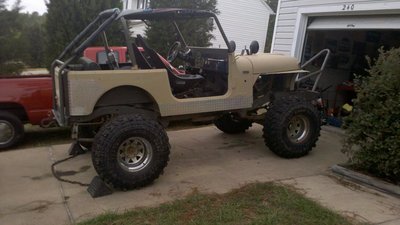


I've noticed some things are different with it now and somewhat annoying.
Another thing, seems ever since pirate was bought out,.......
And there also seems to be a bunch of ads all over the site now.
